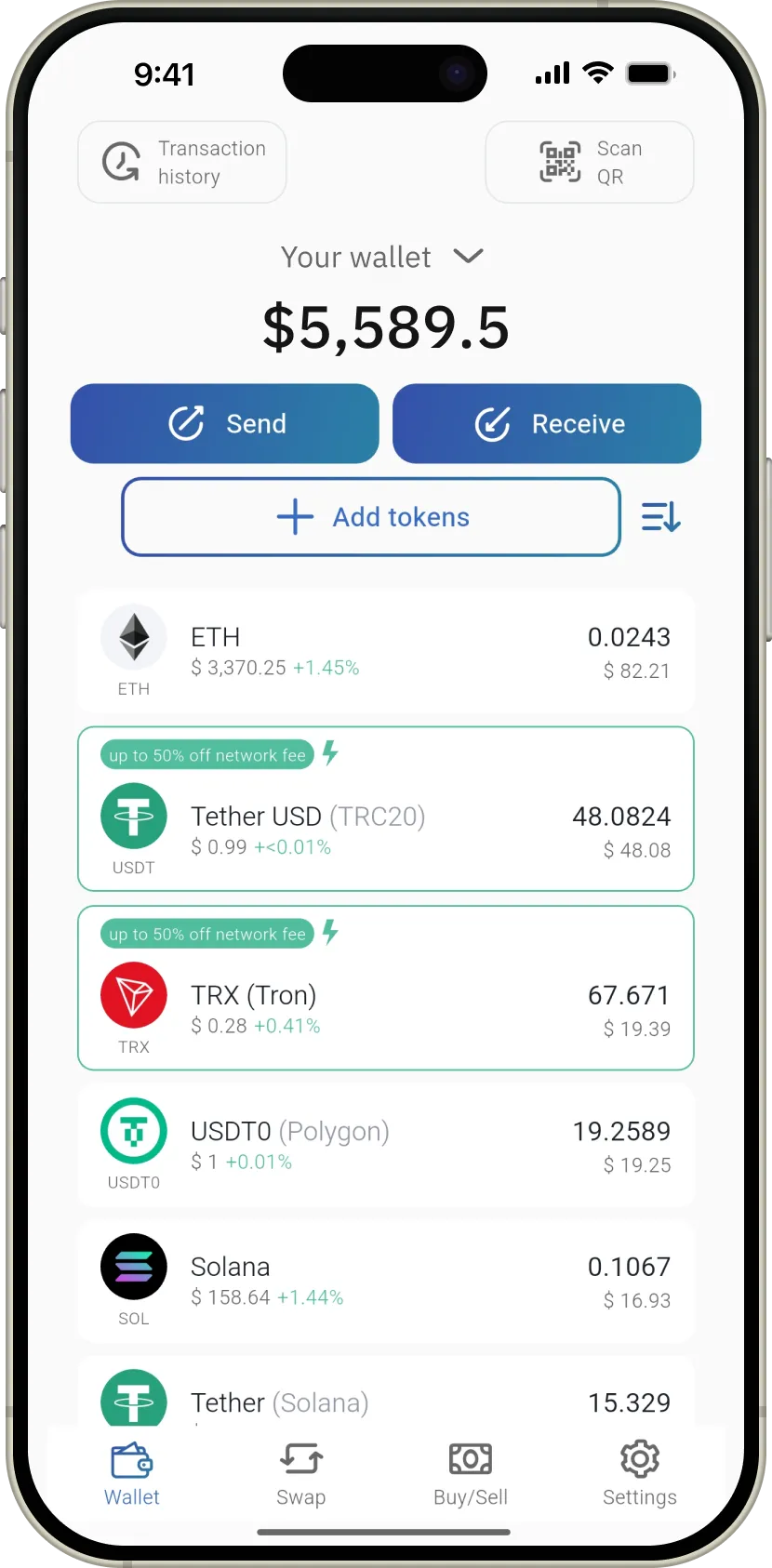
step 1
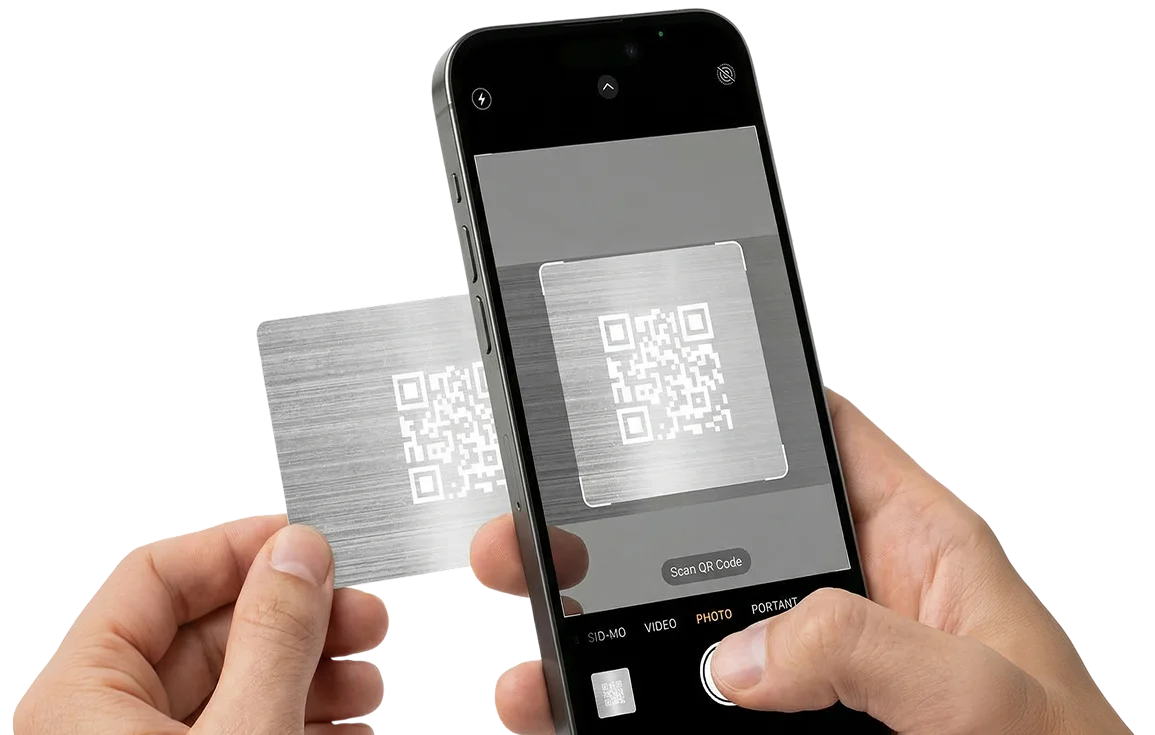
SCAN QR
Scan the QR code on the reverse side of the card

Instructions on how to use:
Scan the QR code on the reverse side of the card
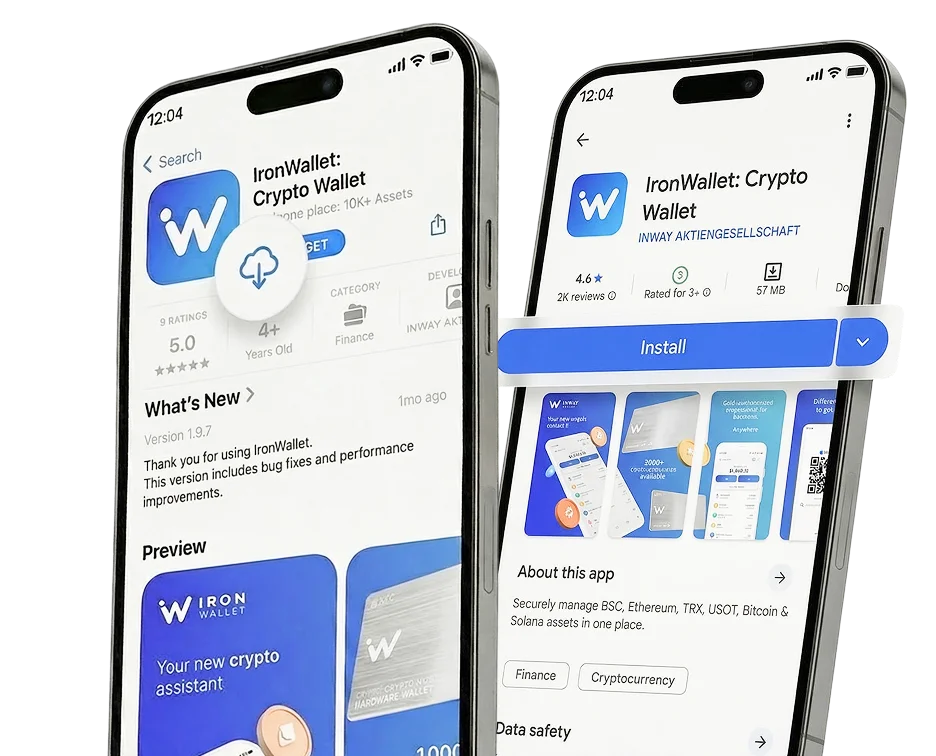
Download the IronWallet App
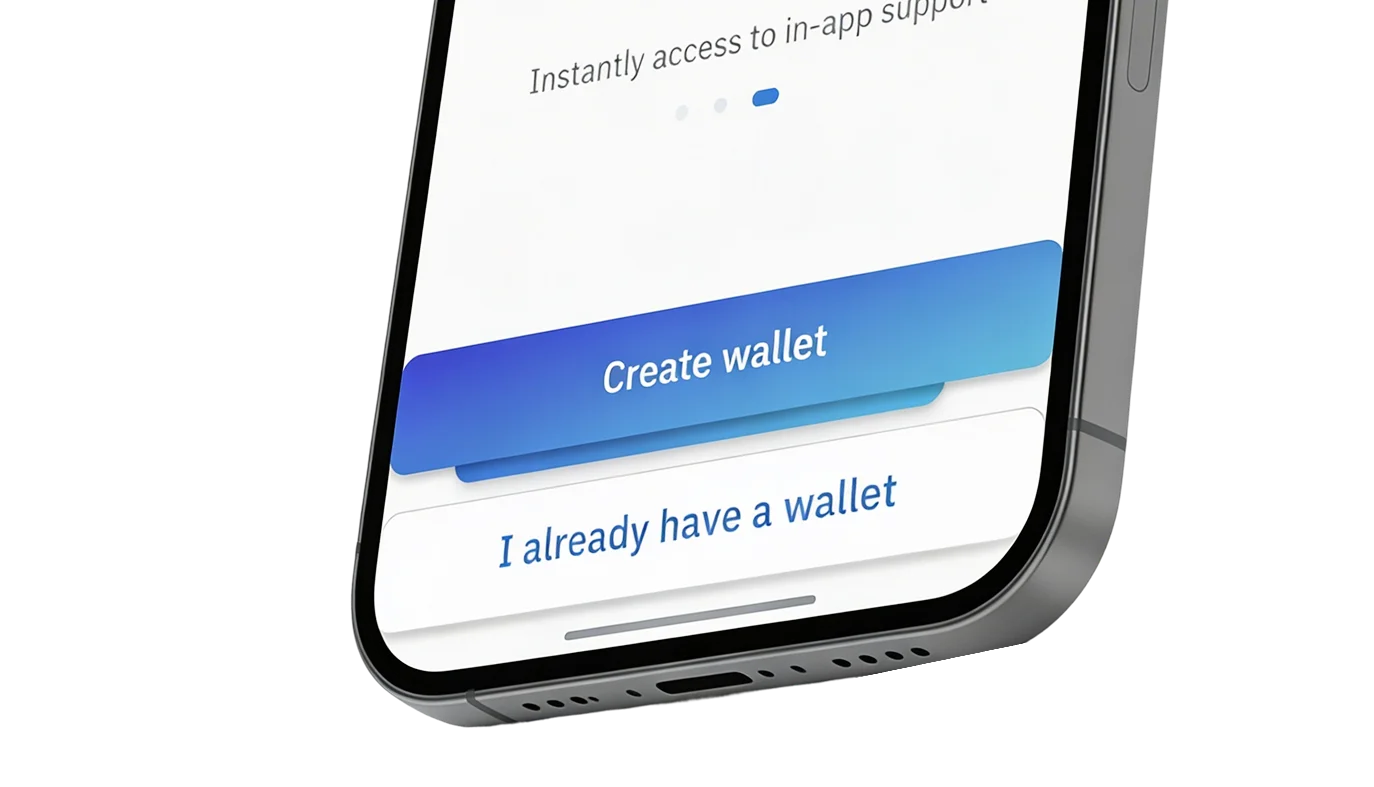
Create or import a wallet using a 12-word seed phrase
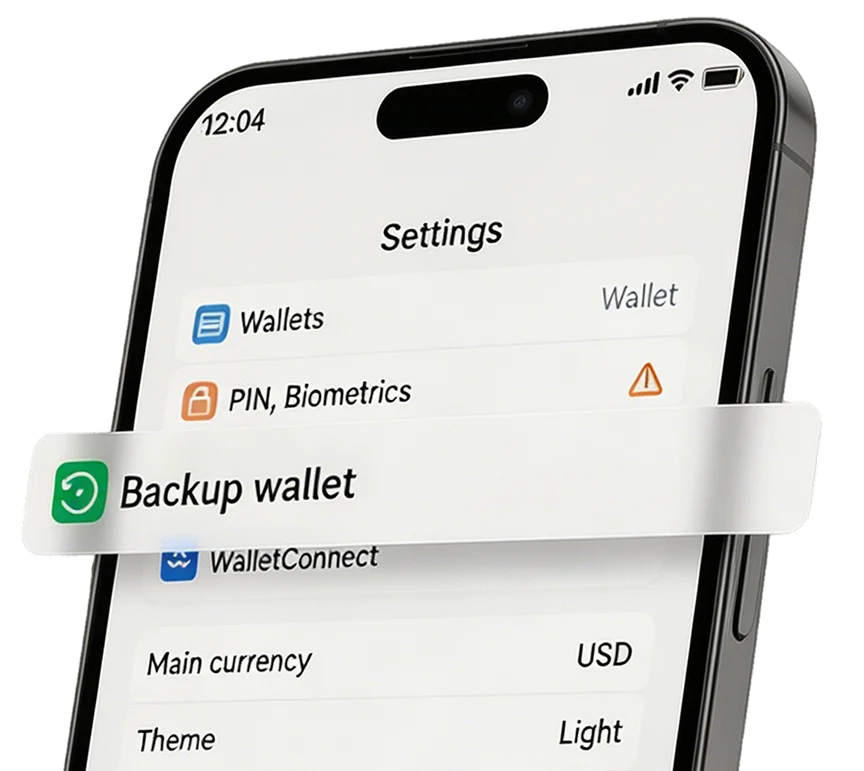
Press the icon “Settings” in the navigation bar and select “Backup wallet”
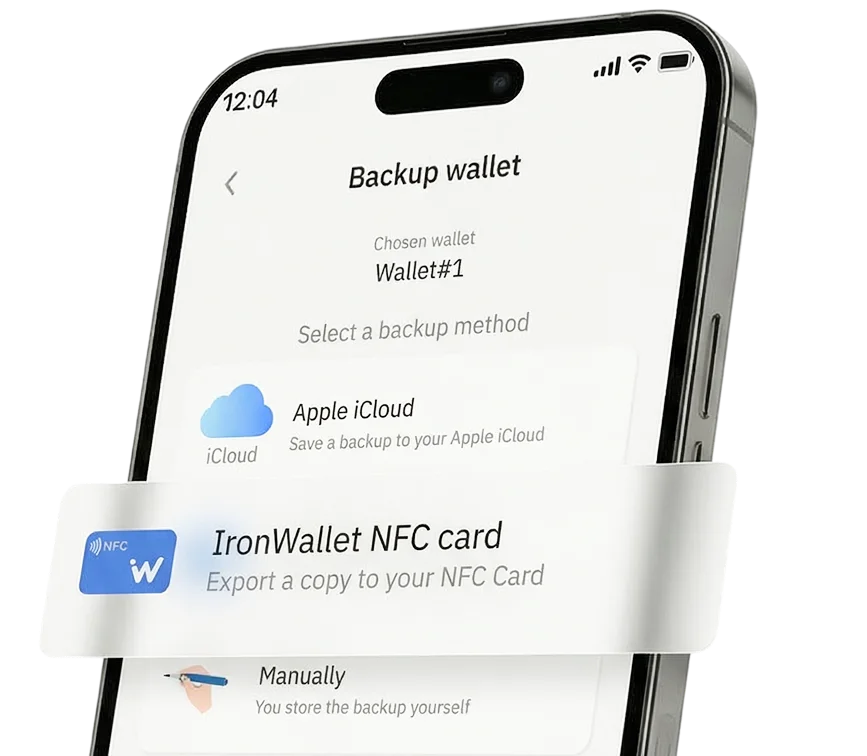
Select the wallet you would like to backup and press “IronWallet NFC card”
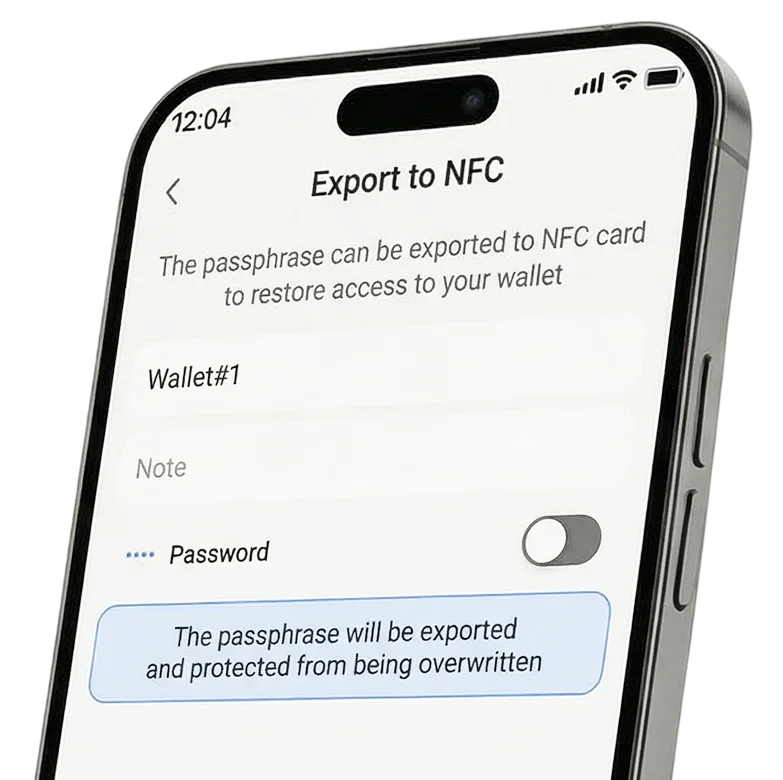
Here you can rename the wallet or choose a password in order to better protect your seed phrase. Once ready - press “Export”.
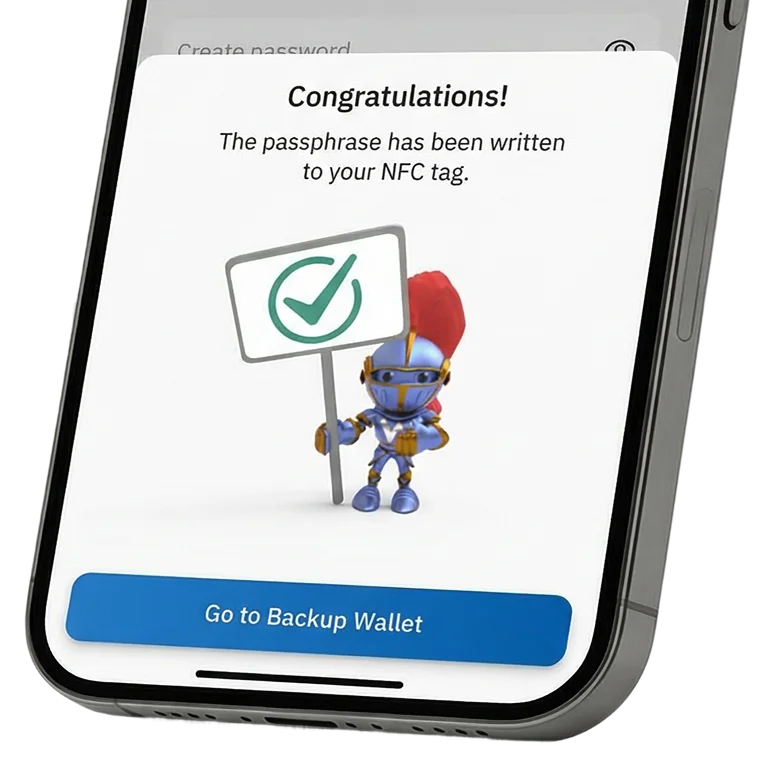
Bring the IronWallet NFC card close to the phone’s NFC chip. Once the seed phrase is saved you will see the confirmation message.
You’re done!
In the box you have two NFC cards which you can use for the same wallet for better protection or for two individual wallets. Keep your cards in a safe place!