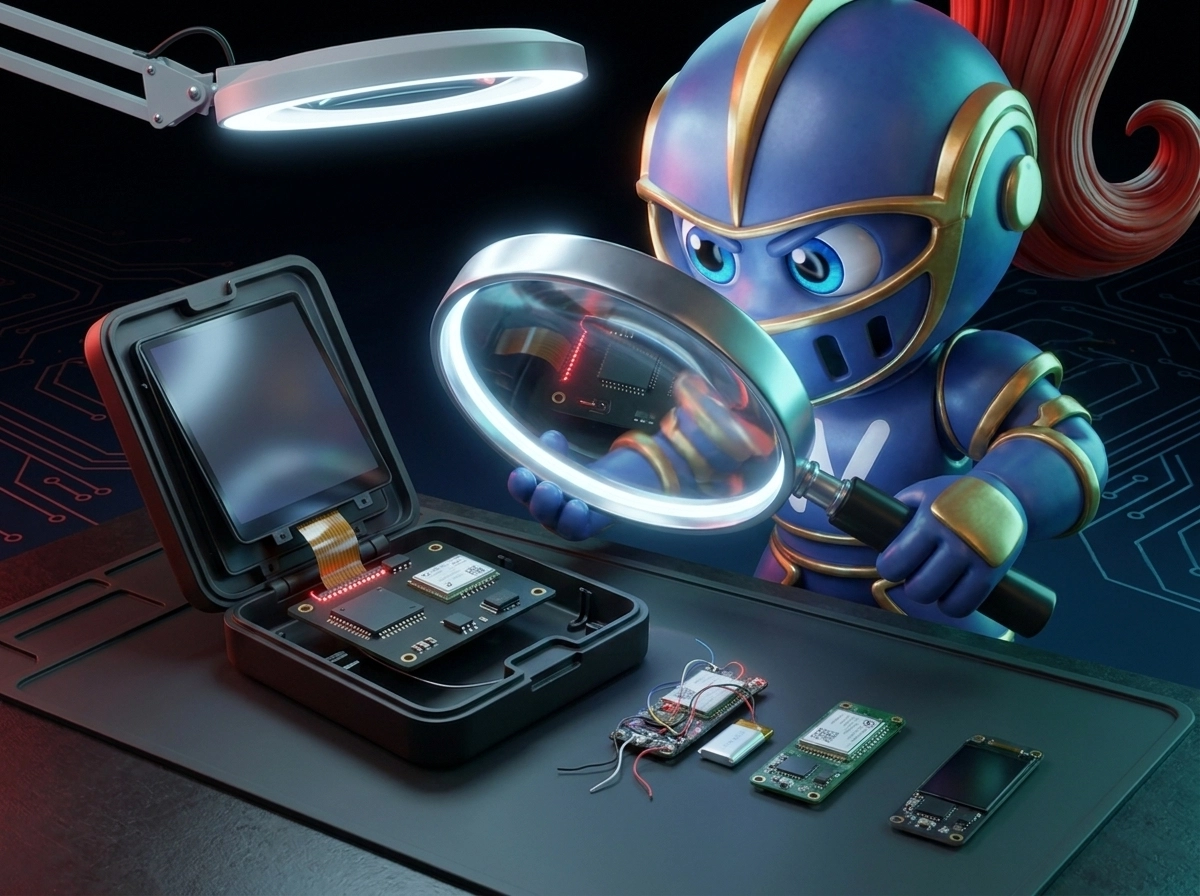
Tronscanner
Meet our free crypto tools: CryptoWallet-Balance.com and TronScanner.org

At IronWallet, we want managing crypto to be simple, secure, and transparent. Our wallet helps you store and manage your assets, and we've also built two free web tools for the tasks that come up every day: checking balances, verifying transactions, and keeping records.
These tools are CryptoWallet-Balance.com, our multichain wallet checker, and TronScanner.org, our blockchain explorer for the TRON network. Both are developed by INWAY AG (Liechtenstein), the company behind IronWallet.
CryptoWallet-Balance.com: check any wallet across 20+ blockchains
CryptoWallet-Balance.com is our multichain wallet checker. It shows what any public address holds, across many blockchains, in seconds. It isn't a wallet and doesn't store funds. It's a viewing and reporting tool that works alongside IronWallet or any other wallet you use.
How it works
Paste a public wallet address into the search field. The service detects the blockchain automatically, so you don't need to pick a network. You'll see a complete overview of the address:
Cryptocurrency balances for native coins
Tokens held at the address
NFTs associated with the wallet
Real-time value of all assets
Data across multiple networks in one place
Supported networks
CryptoWallet-Balance.com supports more than 20 blockchains, including Ethereum, BNB Chain, Polygon, Arbitrum, Bitcoin, Solana, Tron, TON, and XRP Ledger. Most of these are the same networks you can use in IronWallet, so you can check your whole portfolio in one place.
PDF reports for accounting and tax purposes
CryptoWallet-Balance.com can generate a PDF report for any wallet address. The report records the assets at the address and their value at the time it's created, in a clean, structured format that's easy to save, print, or share.
This makes record-keeping much easier. You can attach the report to your accounting records or use it as supporting documentation for your tax return, for example to document your holdings and transaction-related expenses. You don't need screenshots or manual spreadsheets. A professional document takes just a few clicks.
Tax rules for crypto assets vary by country, so we recommend checking with a tax advisor about which documents your local tax authority accepts.
Safe by design
Like IronWallet, CryptoWallet-Balance.com is built with security first. The tool only needs a public address. It never asks for private keys or a seed phrase, and it can't access or move funds. Remember: no legitimate service will ever ask for your seed phrase to "check a balance."
TronScanner.org: our blockchain explorer for TRON
TronScanner.org is our blockchain explorer built specifically for the TRON network. CryptoWallet-Balance.com gives you a quick overview of a wallet. TronScanner lets you dig deep into activity on the TRON blockchain.
What you can look up
With TronScanner.org, you can search and analyze:
Addresses: balances and activity of any TRON account
Transactions: status, details, and full history
Tokens: information about TRX, TRC-10 and TRC-20 tokens, including USDT on TRON
Asset movements: how funds flow between addresses
Network data and statistics: key metrics of the TRON blockchain
The site has dedicated Transactions, Accounts, and Tokens sections. One search bar accepts transaction hashes, addresses, and token names.
How it helps IronWallet users
TRON is one of the most popular networks for USDT transfers, and many of our users send and receive TRC-20 tokens every day. TronScanner.org helps you:
Confirm that a USDT (TRC-20) transfer sent from IronWallet has gone through
Check a transaction's status before contacting support or a counterparty
Verify a recipient address before sending funds
Research a token before interacting with it
Follow network activity and statistics
Which tool should you use?
Task | Best tool |
See the full balance of a wallet across many blockchains | |
View tokens and NFTs held at an address | |
Create a PDF report for accounting or taxes | |
Check a specific TRON transaction | |
Analyze TRON addresses, tokens, and fund movements | |
Explore TRON network statistics |
One ecosystem for your crypto
IronWallet, CryptoWallet-Balance.com, and TronScanner.org form one ecosystem. Use IronWallet to store, send, and manage your crypto securely. Use CryptoWallet-Balance.com for a complete multichain snapshot of your portfolio and PDF reports for your records. Use TronScanner.org for detailed insight into transactions and activity on TRON.
Both tools are free, need no registration, and work with nothing more than a public address or transaction hash.
Get started with IronWallet
Our free tools help you check balances and track transactions. IronWallet is where you manage your crypto: store, send, and receive assets across multiple blockchains in a secure, easy-to-use wallet.
Download IronWallet and take full control of your crypto.
Already have a wallet? Check your balance and create a PDF report at CryptoWallet-Balance.com, or look up your TRON transactions at TronScanner.org.