Tronscanner
Crypto for beginners, part 4: how to use cryptocurrency safely with IronWallet

Introduction: your first steps with cryptocurrency
In the previous parts of Crypto for Beginners, we covered how blockchain works, what Bitcoin and Ethereum are, and how crypto wallets, private keys, and transactions work.
Now let's put that knowledge into practice.
In this guide, we'll show you how to use cryptocurrency safely with IronWallet — from setting up your wallet to receiving and sending crypto, checking networks, and protecting your recovery phrase.
Create or import your wallet
After installing IronWallet, you can create a new wallet or import an existing one.
If you are new to cryptocurrency, choose the option to create a new wallet.
If you already have a compatible wallet, you can import it using your recovery phrase.
Your recovery phrase
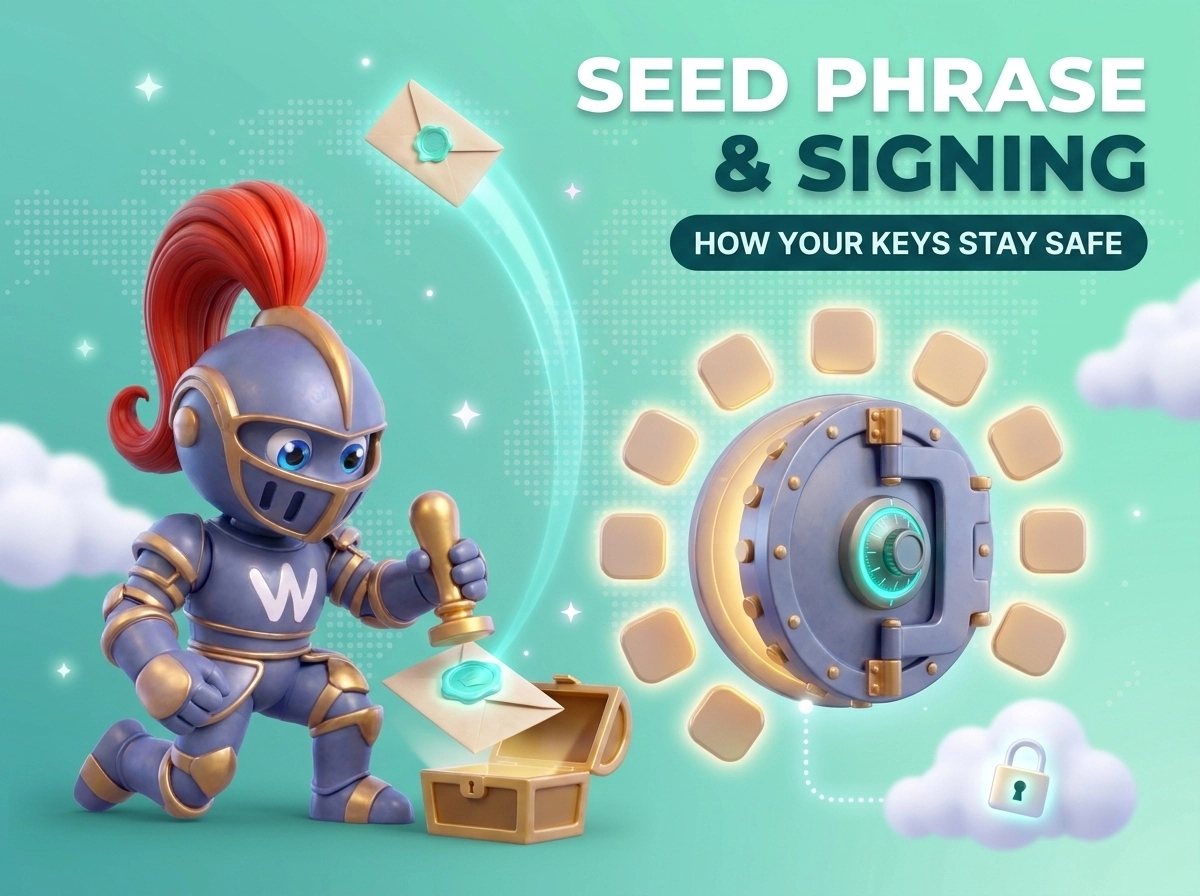
When creating a new wallet, recovery phrase is generated.
This phrase is extremely important. It can be used to restore access to your wallet and its assets.
Write it down and keep it somewhere secure and offline.
Never send your recovery phrase to anyone. Never enter it on a website or share it with customer support.
Add cryptocurrency to your wallet
Once your wallet is ready, you can receive cryptocurrency.
Select the asset you want to receive and choose Receive. IronWallet will display your blockchain address and a QR code.
You can copy the address and send it to the person or service transferring the cryptocurrency to you.
Always check the network
This is particularly important for assets such as USDT and USDC, which can exist on multiple blockchain networks.
Before receiving crypto, make sure the sender uses the same network supported by the receiving address.
For example, sending a token using one network to an address or service expecting another network can result in lost or inaccessible funds.
How to send cryptocurrency with IronWallet
To send crypto, select the asset and tap Send.
Enter or paste the recipient's address and specify the amount.
Before confirming the transaction, carefully check:
● recipient address;
● cryptocurrency;
● blockchain network;
● amount;
● network fee.
For large transfers, it can be sensible to send a small test transaction first.
Why checking the address matters
Blockchain transactions are generally irreversible.
If you send cryptocurrency to the wrong address or use an incompatible network, a wallet cannot simply cancel the transaction.
Treat every transaction as final unless the particular blockchain or service provides another mechanism.
Understand network fees
Blockchain transactions require network resources, which means most transactions involve a network fee.
The fee depends on the blockchain and its current conditions.
For some supported networks, IronWallet also offers gasless transactions, allowing eligible transfers to be made without separately holding the network's native token for gas.
The availability of gasless transactions depends on the specific asset, network, and transaction conditions, so always check the details displayed in the app before confirming.
How to swap cryptocurrency
You don't always need to sell one cryptocurrency for fiat before buying another.
With a crypto swap, you can exchange one supported digital asset for another.
For example:
ETH → USDT
or
BTC → another supported asset
Open the swap function in IronWallet, select the asset you want to exchange and the asset you want to receive.
Before confirming, check the quoted rate, estimated amount, network, and applicable fees.
IronWallet may use third-party providers for certain crypto services. The availability, fees, limits, and verification requirements can therefore vary depending on the asset, network, location, and provider.
6. Buying cryptocurrency with fiat
If you don't own cryptocurrency yet, you can use supported fiat-to-crypto providers to purchase digital assets.
Depending on your location and the provider available for the transaction, payment methods may include cards, bank transfers, or other supported options.
When using an integrated provider, pay attention to the provider's:
● exchange rate;
● fees;
● payment method;
● limits;
● verification requirements.
The exact purchase process will take place on the provider's website rather than directly inside IronWallet.
How to stay safe when using IronWallet
A non-custodial wallet gives you control over your crypto — but that control comes with responsibility.
Follow these basic rules.
Never share your recovery phrase
IronWallet will never need your recovery phrase to provide customer support.
Anyone asking for it should be treated as a potential scammer.
Download the app from official sources
Avoid applications, websites, browser extensions, or links from unknown sources.
Check that you are using the official IronWallet website and legitimate app-store listing.
Check every transaction
Before confirming a transaction, check the address, network, amount, and fee.
Do not rush simply because someone tells you that a transaction is urgent.
Be careful with links and dApps
Do not connect your wallet to unknown websites or approve transactions you do not understand.
A legitimate website should never require you to enter your recovery phrase simply to connect your wallet.
Your first crypto transaction: a simple checklist
If this is your first-time using cryptocurrency, follow this sequence:
1. Create or import your IronWallet.
2. Secure your recovery phrase.
3. Select the cryptocurrency you want to receive.
4. Check the blockchain network.
5. Copy your receiving address.
6. After receiving crypto, verify the transaction on the blockchain.
7. For your first outgoing transfer, double-check every detail.
8. Start with a small amount if you are unfamiliar with the network.
Conclusion
Using cryptocurrency does not have to be complicated.
Once you understand the basics of wallets, addresses, networks, private keys, and transaction fees, everyday crypto operations become much easier.
IronWallet offers a non-custodial method for managing supported cryptocurrencies, allowing you to retain control of your wallet credentials.
However, the most significant security aspect remains your own actions.
Protect your recovery phrase, verify every transaction, use the correct network, and never give anyone access to your private keys.
Ermo Eero, Schaan, Liechtenstein