Tronscanner
How Ironwallet protects your seed phrase and signs transactions

Ironwallet keeps your seed phrase encrypted on your phone, lets you back it up to your own cloud, and signs every transaction right on the device. Your keys stay under your control. Here's how that works, without the jargon.
What a seed phrase is
When you create a wallet, Ironwallet generates a list of 12 random words. This is your seed phrase, also called a recovery phrase.
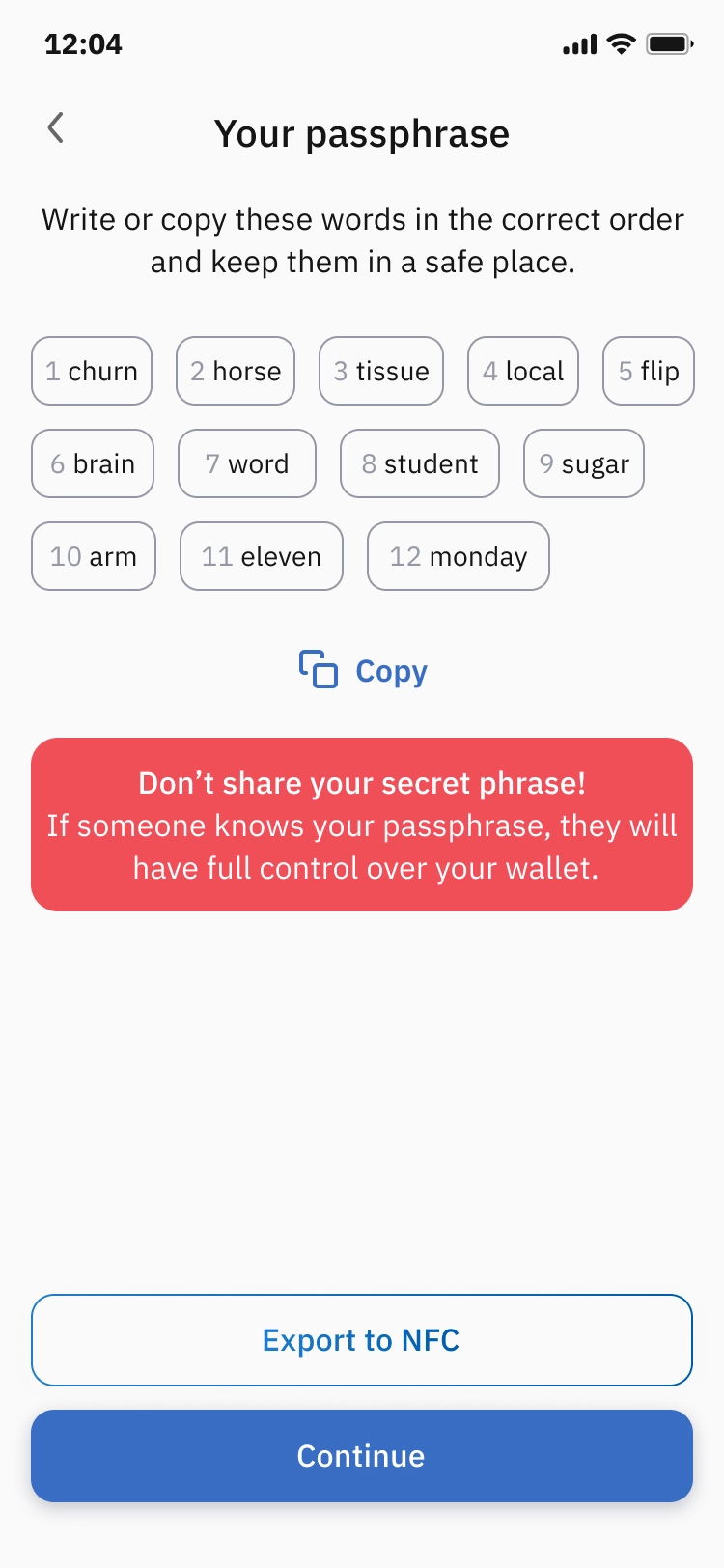
Think of it as the master key to your wallet. Every address and every coin in it is derived from these words. Anyone who has them can control your funds from any device. And if you lose your phone, these words are the only way to restore your wallet on a new one.
That's why the seed phrase matters more than your phone, your PIN or the app itself.
How Ironwallet stores it
Ironwallet is a non-custodial wallet: we don't hold your keys, you do. In practice, this means:
It never reaches Ironwallet servers. Your seed phrase lives on your device. Our team can't see it, and we can't recover it for you.
It's encrypted. On your phone the phrase is stored in scrambled form. Even if someone copied the app's files, all they'd get is meaningless data.
Only you can unlock it. To decrypt the phrase, the app needs your PIN, fingerprint or Face ID.
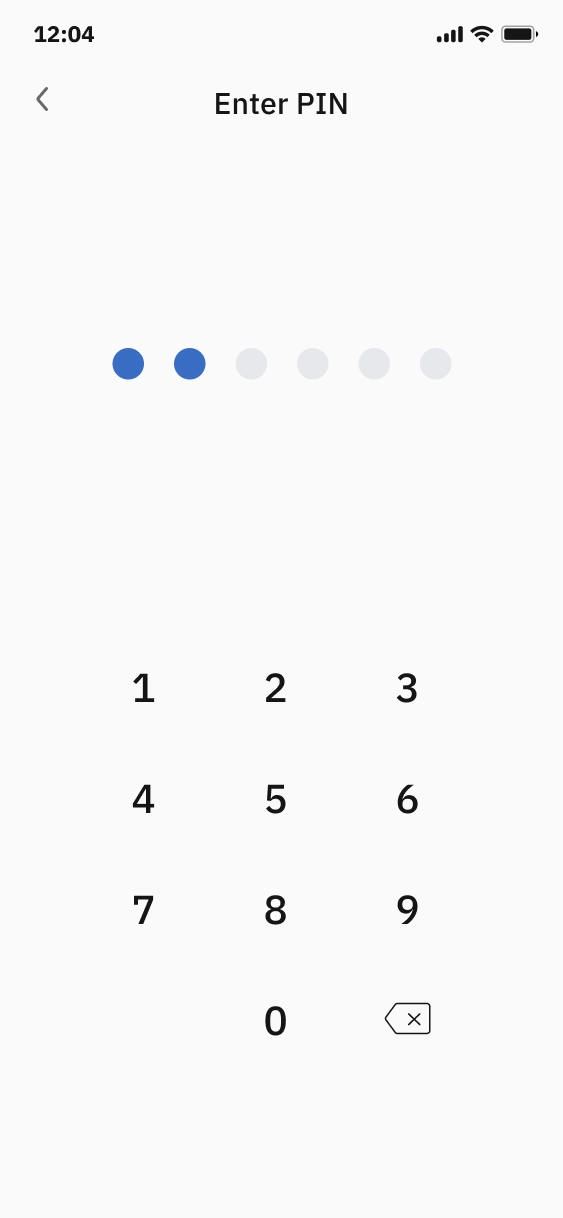
Picture a safe in your own home rather than a deposit box at a bank. Nobody else has a copy of the key. That's great for security, but it also means you need a backup. Ironwallet makes that easy.
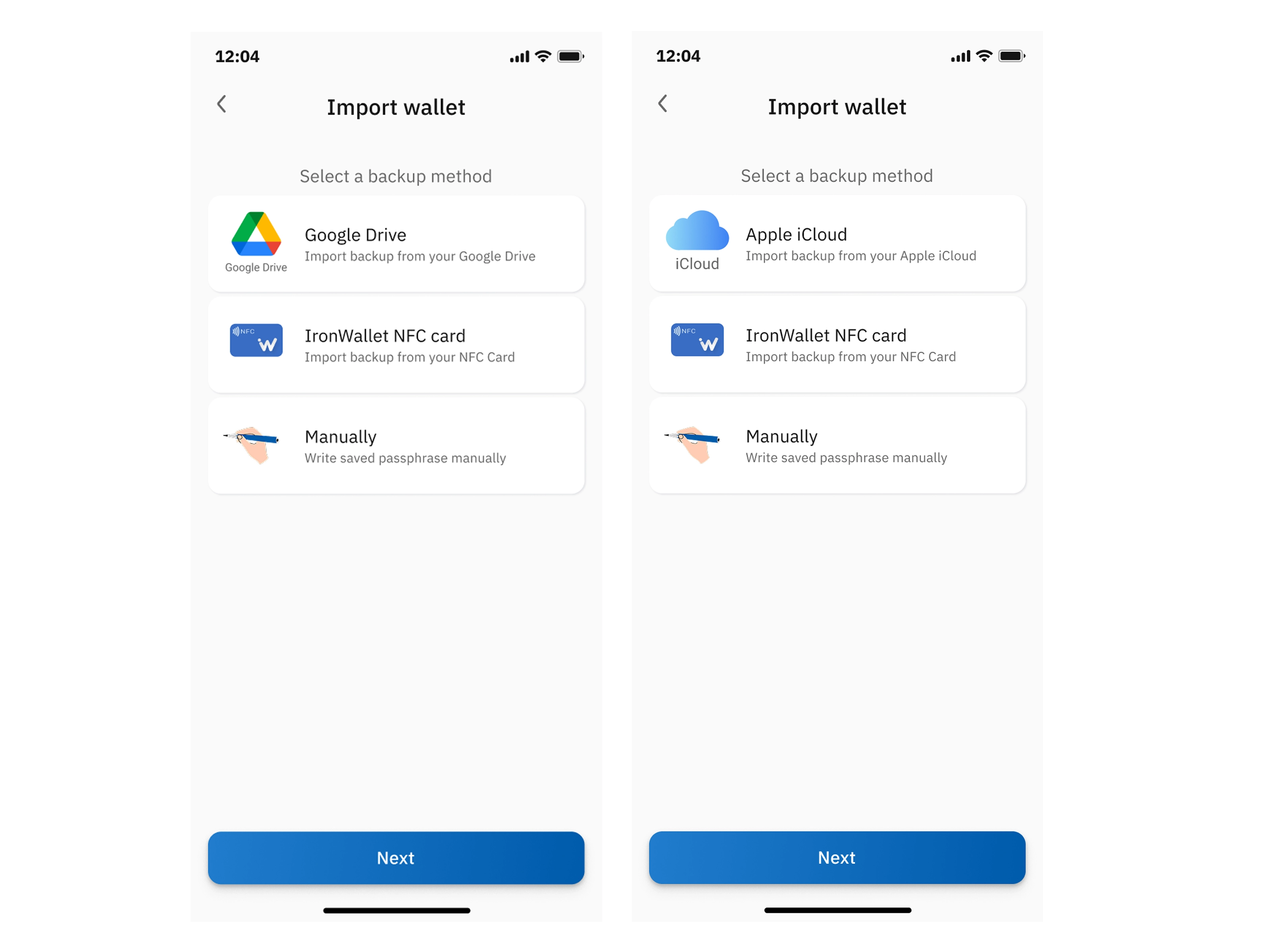
Backing up to Google Drive or iCloud
If you lose your phone, you'll need your seed phrase to get your wallet back. Ironwallet can save a backup of it to your own Google Drive or iCloud, right from the app.
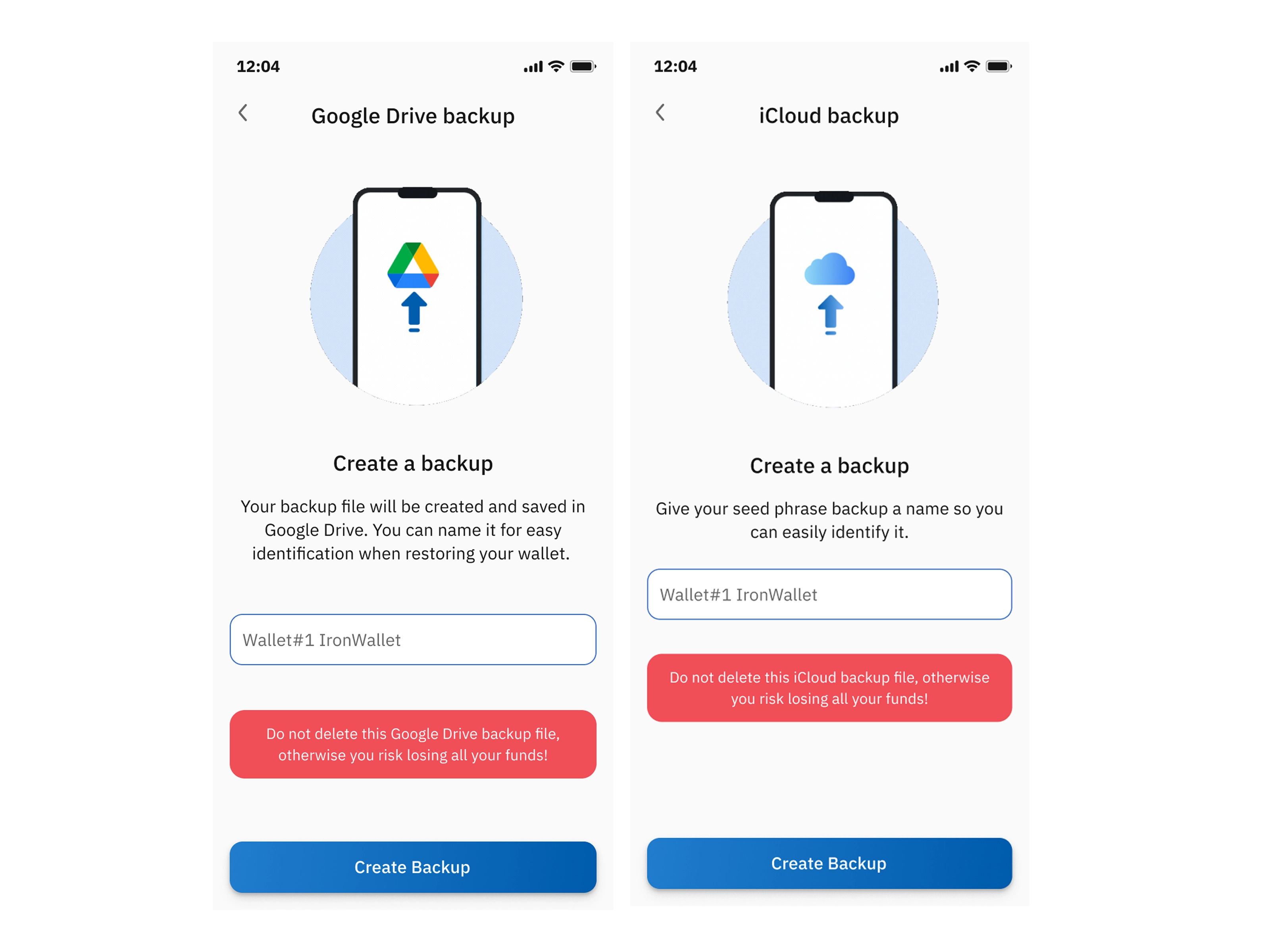
It goes to your cloud, not ours. The backup is stored in your personal Google or Apple account. Ironwallet has no access to it.
It's encrypted before it leaves your phone. The backup file on its own is useless to anyone who gets hold of it.
Restoring is quick. On a new phone, install Ironwallet, sign in to the same Google or Apple account and choose the backup.
How a transaction gets signed
A transaction is an instruction: "move this amount from my address to that address." The network only accepts it if it carries a signature made with your private key, a bit like signing a check.
Here's what happens when you tap Send:
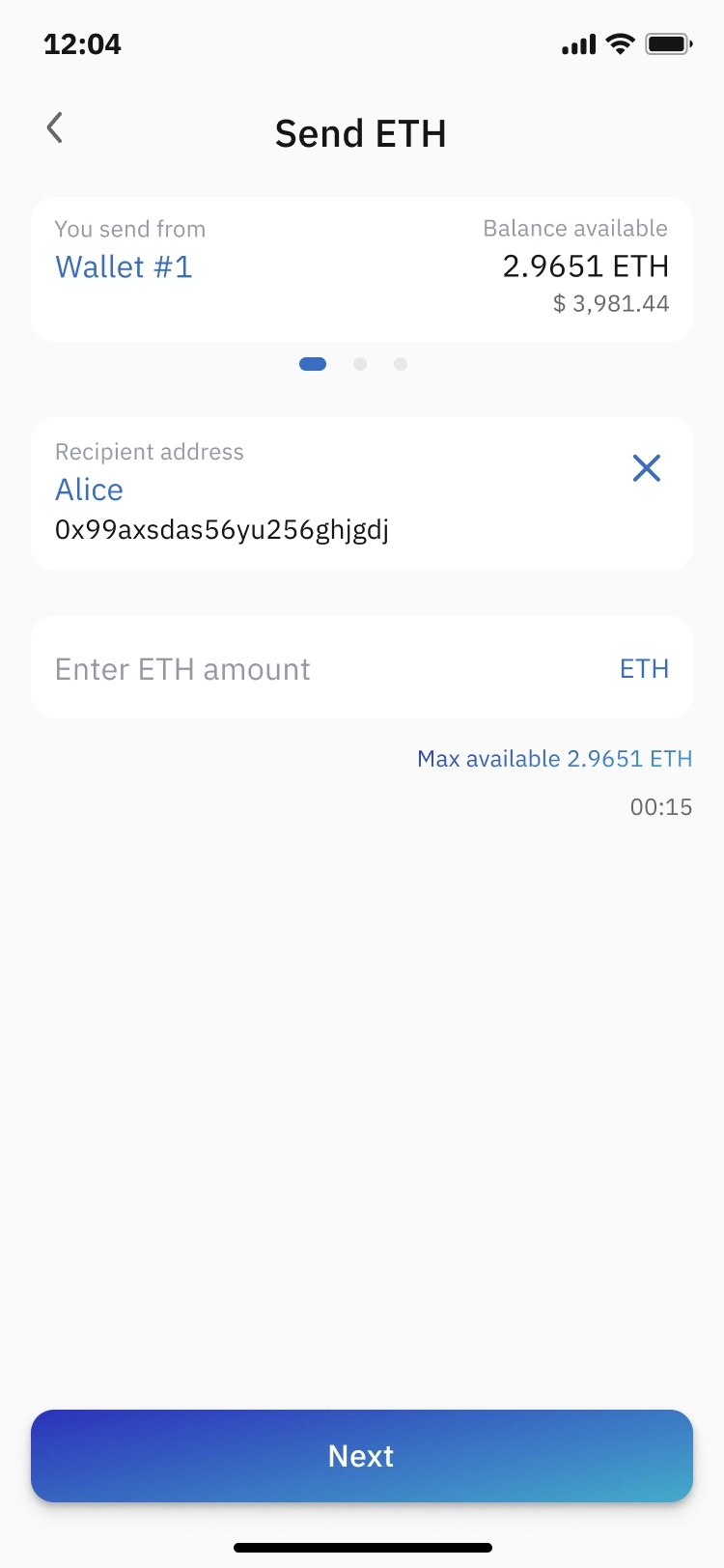
You create the transaction. You choose the recipient, the amount and the network.
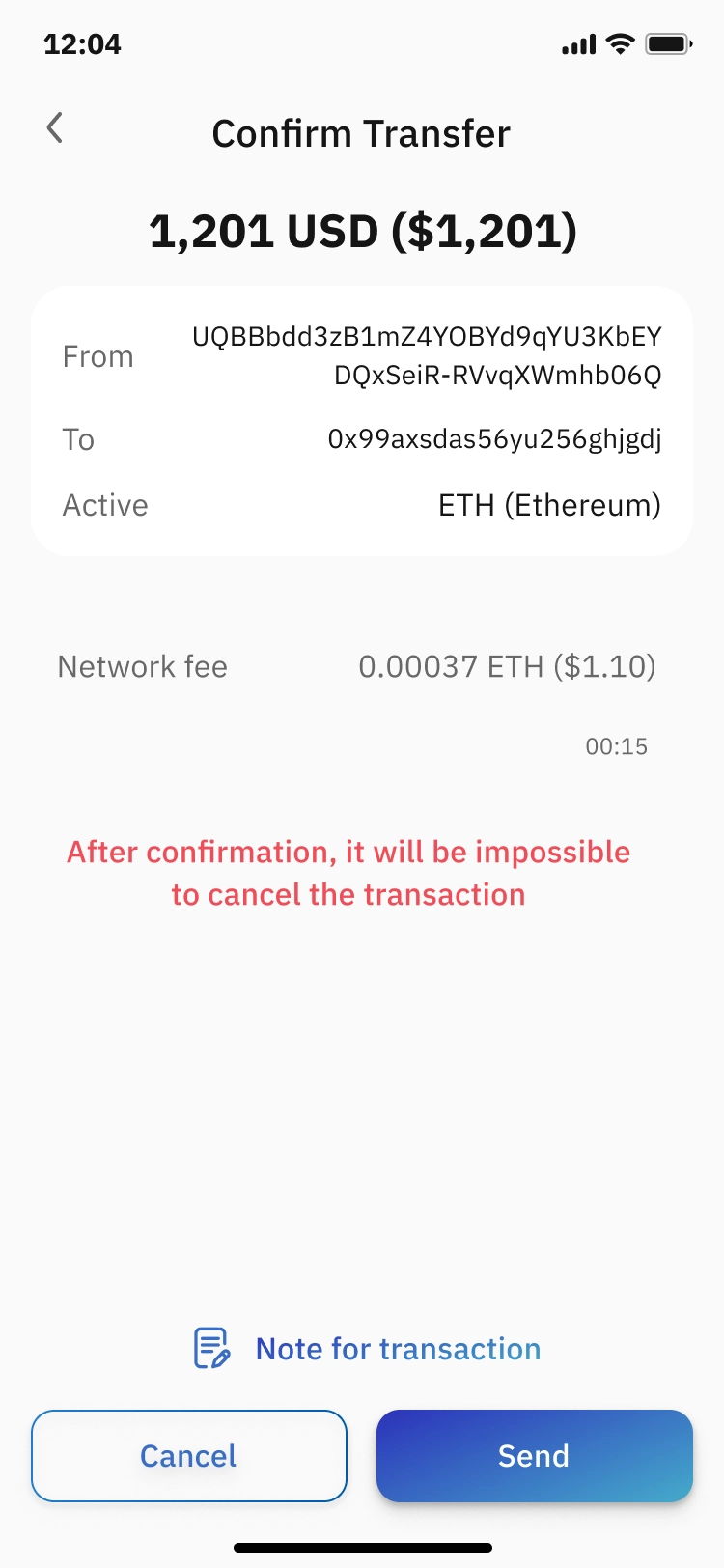
You review it. Ironwallet shows the address, the amount and the network fee. This is the moment to check everything.
You confirm with your PIN or biometrics. This unlocks your key for this one operation.
The app signs the transaction on your phone. It uses your private key to create a digital signature for this specific transaction.
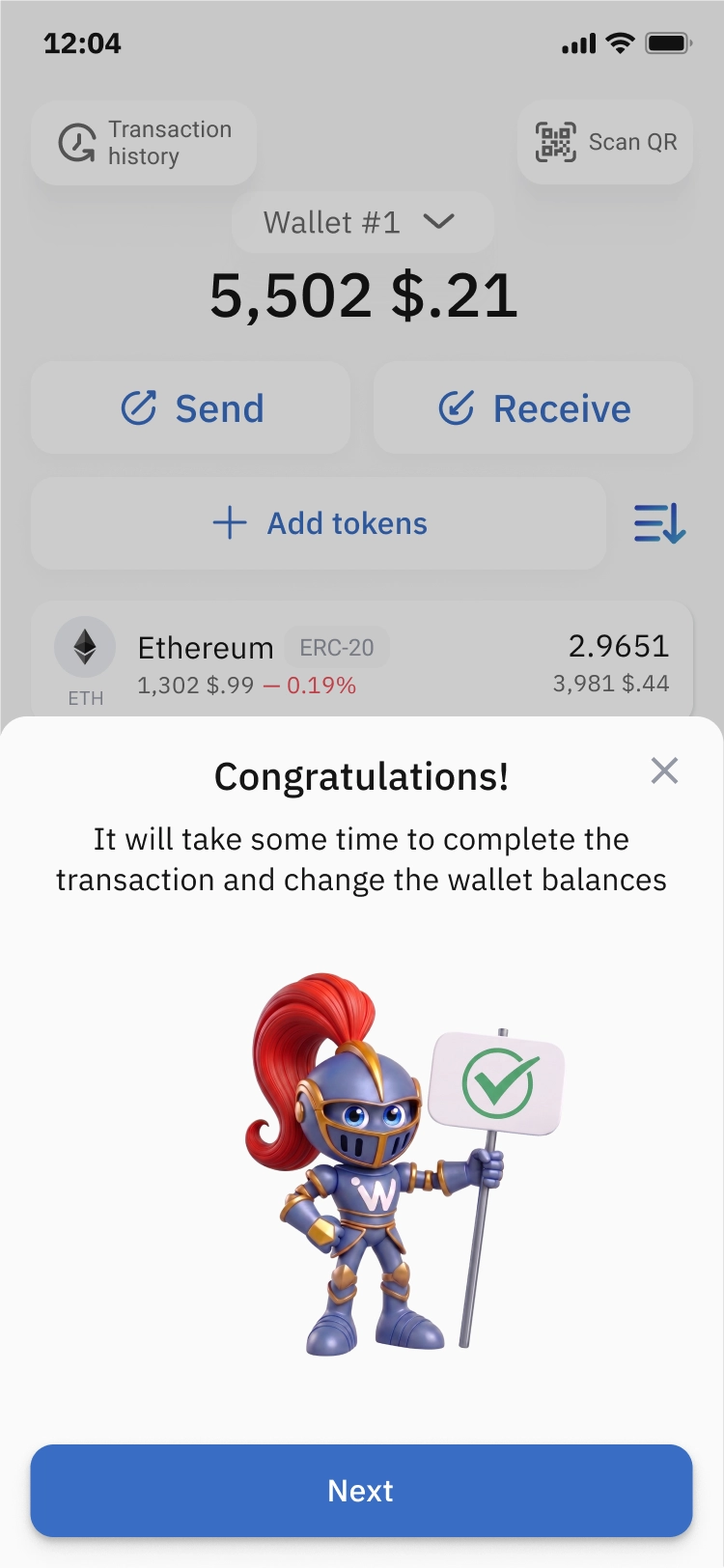
Only the signed transaction goes out. Your key and seed phrase stay on the device. What's sent is the transaction plus its signature.
The network checks it and processes it. Nodes verify that the signature matches your address, and the transfer is recorded on the blockchain.
Anyone can verify a digital signature, but only your private key can create it. It's also tied to that exact transaction, so nobody can reuse it or change it to send a different amount somewhere else.
Ironwallet vs. a cold wallet
A cold wallet, such as a hardware wallet, works on the same principle as Ironwallet. The keys are stored on the device, transactions are signed inside it, and only the signed transaction goes out. The real difference isn't how the keys are stored, but what the device can connect to.
Ironwallet on a regular phone | Phone kept offline | Hardware wallet | |
|---|---|---|---|
Where the keys live | On the phone, encrypted | On the phone, encrypted | On the device |
Where transactions are signed | On the phone | On the phone | On the device |
Connects to the internet | Yes | No | No |
Extra device | Not needed | Not needed | Must be bought |
Recovery if lost | From the cloud or with the seed phrase | Seed phrase only | Seed phrase only |
Main risk | Online attacks through the network or other apps | Physical access to the phone | Physical access, loss or damage of the device |
A hardware wallet has no Wi-Fi, no SIM card and no other apps. A phone is always connected, which is convenient (you can send funds in seconds), but every connection and every app is a possible way in. That's why wallets on phones are called "hot".
Put simply: if a hardware wallet could make calls and go online, it would be a phone with a wallet app, which is basically Ironwallet. It works the other way too: take a phone offline, and it starts working much like a cold wallet, because there's no network path to the keys.
Why Ironwallet is easier than a hardware wallet
No extra device to buy. A hardware wallet costs money. Ironwallet runs on the phone you already have.
Always with you. Your phone is already in your pocket. A hardware wallet has to be carried around, or you have to go home to get it before you can send anything.
Transfers in seconds. No cable or Bluetooth pairing, and no confirming each step with buttons on a tiny screen.
Easy recovery. If a hardware wallet is lost or broken, your funds are gone unless you have the paper seed phrase. Ironwallet can be restored from a backup in Google Drive or iCloud.
No risk of buying a fake. Hardware wallets should only be bought from the official seller, because tampered devices do turn up. You download Ironwallet from the App Store or Google Play.
Updates arrive on their own. The app updates through the app store, with no manual firmware updates.
The same security principles. Keys are stored encrypted on the device, and transactions are signed there, just like in a cold wallet.
If you specifically want cold storage, you can get it on a phone too. The phone needs to:
stay offline for good, from the moment the wallet is created, not just go into airplane mode now and then;
have no other apps that could reach the wallet's data;
keep the seed phrase backup on paper only, not in the cloud.
The bottom line: Ironwallet and a cold wallet work on the same principle, and in everyday life Ironwallet is much easier to use. You get solid protection without extra devices, costs or hassle.
How to keep your wallet safe
Make a backup right away. Use Ironwallet's cloud backup, write the phrase on paper and keep it somewhere safe, or both.
Protect your cloud account. Use a strong password and two-factor authentication for your Google or Apple account.
Never share your seed phrase. Ironwallet support will never ask for it. Anyone who does is a scammer.
Skip homemade digital copies. No screenshots, notes apps, emails or messengers: they store the phrase unencrypted.
Use a strong PIN and turn on biometric unlock.
Double-check the address and amount before you send. Blockchain transactions can't be reversed.
In short
Your seed phrase is the master key to your wallet. Ironwallet keeps it encrypted on your phone and can back it up to your own Google Drive or iCloud. Transactions are signed on the device, and only the signed transaction is sent to the network. Your part is simple: keep a backup, in the cloud through the app or on paper, and never share the phrase.