

 Tronscanner


Full control over your private keys
Your keys are created and kept on your device. IronWallet has no access to them and cannot move, block or recover your BTC — you are the only owner of your funds.
IronWallet is a free, non-custodial Bitcoin wallet for iOS and Android that keeps you in full control of your BTC. Your private keys are generated and stored only on your device, so no one else can freeze, move or access your coins. Store, send, receive and swap Bitcoin in a few taps — no registration, no KYC and no personal data required.


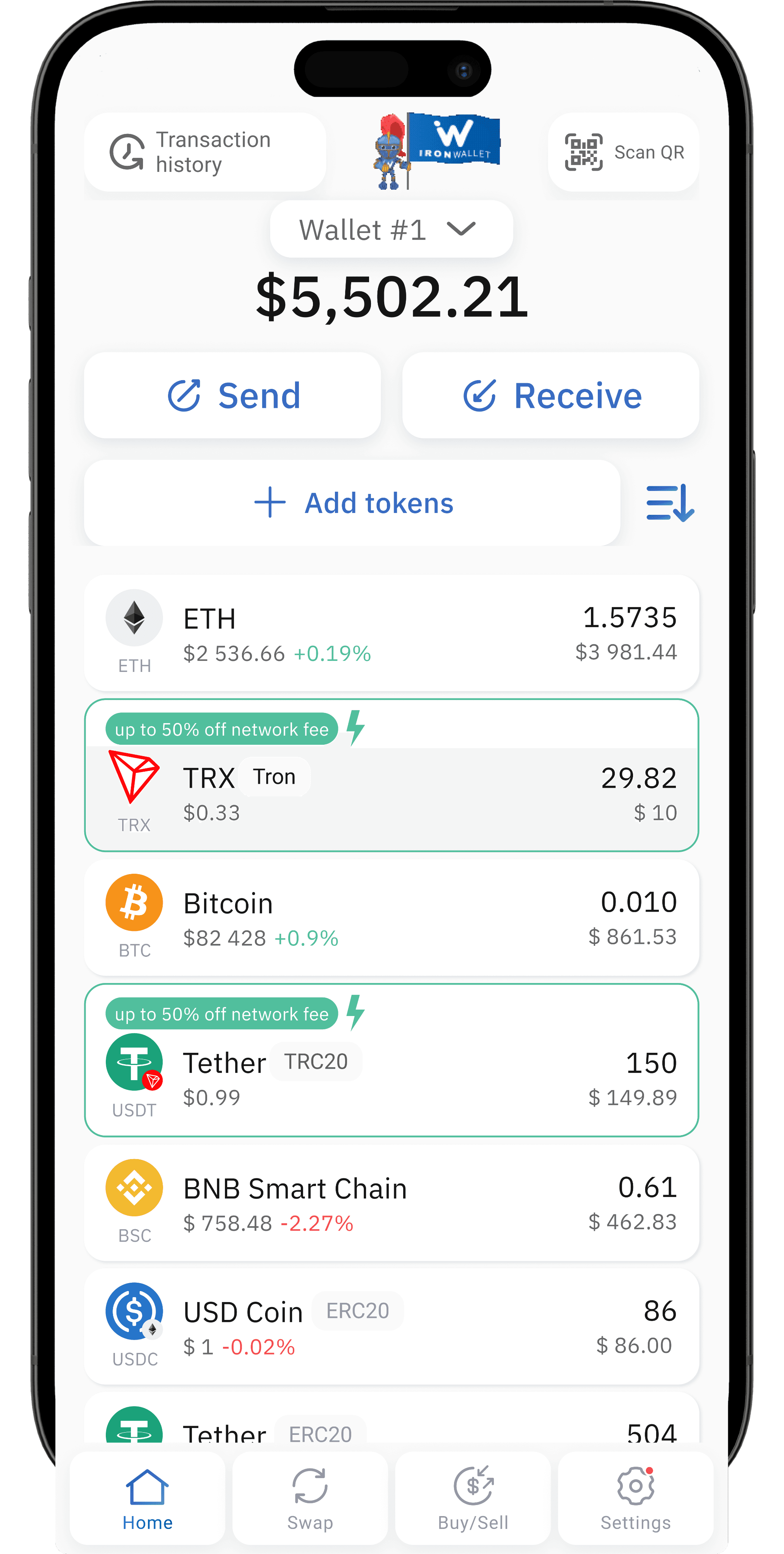
 BTC · Bitcoin0.010
A Bitcoin wallet is an app that stores the private keys giving you access to your BTC on the Bitcoin blockchain. Your coins never physically sit “inside” the wallet: they are recorded on the blockchain, and the wallet holds the keys that prove ownership and let you sign transactions.
There are two main types of Bitcoin wallets:
IronWallet is a non-custodial Bitcoin wallet: it gives you the convenience of a mobile app together with the independence of true self-custody.
Your BTC lives on the Bitcoin blockchain. The wallet holds the key that proves it is yours.
bc1q7a3f…c91eYour keys are created and kept on your device. IronWallet has no access to them and cannot move, block or recover your BTC — you are the only owner of your funds.
Receive Bitcoin with an address or QR code, send BTC to any address, track your balance and transaction history, and swap Bitcoin for other cryptocurrencies without leaving the wallet.
10,000+
IronWallet is a multi-chain wallet. Alongside BTC you can hold Ethereum, USDT, BNB, Litecoin, XRP, TON (Gram) and thousands of other coins and tokens — all managed from a single recovery phrase.
Free
The wallet is free on iOS and Android. When you send BTC, you only pay the standard Bitcoin network fee to miners, and you can see it before you confirm the transaction.

Open the app, create a wallet and start using Bitcoin right away. You don’t need to provide an email, phone number or identity documents.
Setting up your Bitcoin wallet takes just a couple of minutes:
Download IronWallet from the App Store or Google Play.
Open the app and tap “Create a new wallet” (or import an existing one with your recovery phrase).
Write down your recovery phrase on paper and keep it in a safe place. It is the only way to restore your wallet if you lose your phone.
Confirm the recovery phrase in the app to finish the setup.
Open Bitcoin (BTC) in your asset list — your wallet is ready to receive, send and swap BTC.
To receive BTC, open Bitcoin in the app, tap “Receive” and share your address or QR code with the sender. The transaction will appear in your wallet once it is broadcast to the network and confirmed by miners.
To send BTC, tap “Send”, paste or scan the recipient’s Bitcoin address, enter the amount and review the network fee. Always double-check the address before confirming: Bitcoin transactions cannot be reversed.
Self-custody means you, and only you, control your crypto

Generated and stored locally, never on IronWallet server

Nothing links your identity to your wallet

The only way to restore your wallet. IronWallet cannot recover or reset it
 Your phone
 Google Drive / iCloud
 2FA protected

Swap BTC for other supported assets in a few taps through integrated DEX protocols, with no exchange account.

Buy BTC with a card, Apple Pay or Google Pay, delivered straight to your own address.

Connect to dApps through WalletConnect, while your keys stay in the app.

Manage every network in one place: Bitcoin next to Ethereum, USDT, BNB, Litecoin, XRP and TON.
Swaps and purchases are executed by third-party providers, and rates depend on market conditions.
More answers are in the IronWallet FAQ.
Yes. IronWallet is fully non-custodial: your private keys and recovery phrase are stored only on your device. IronWallet never has access to your BTC.
Yes, downloading and using the wallet is free. You only pay the standard Bitcoin network fee when you send a transaction.
Yes. You can use IronWallet purely as a Bitcoin wallet. If you later want to hold other coins, the same wallet supports 10,000+ assets across multiple blockchains.
No. IronWallet does not require registration, email, phone number or identity verification to create and use a Bitcoin wallet.
Install IronWallet on a new device and restore your wallet with your recovery phrase. Your BTC stays on the blockchain, so you regain access as long as you have the phrase.
Yes. IronWallet has a built-in swap feature, so you can exchange BTC for other supported assets directly in the app.
Take full control of your Bitcoin with a secure, non-custodial wallet that is simple enough for everyday use. Download IronWallet and create your BTC wallet in minutes.

Scan this QR code to get the wallet


Every Bitcoin transaction pays a fee to the miners who include it in a block. The fee does not depend on how much you send: it follows the size of the transaction and how busy the network is at that moment.
IronWallet shows the fee before you confirm, so you always see what a transfer costs. Fees rise when the network is congested and fall when it is quiet, and IronWallet does not set them. To estimate a fee before you send, use the IronWallet fee calculator.
Bitcoin wallets come in several kinds, and the right one depends on how you use crypto. Exchange wallets are convenient, but the exchange holds your keys and can limit withdrawals. Desktop and browser wallets give you self-custody but are built for a computer. Hardware wallets offer strong offline protection at the cost of a device and extra steps. IronWallet aims for the middle ground: full self-custody with mobile convenience.


