Tronscanner

Your keys stay on your device
Keys and seed phrase are stored only on your phone. No one but you can move your TRX and TRC-20 tokens.
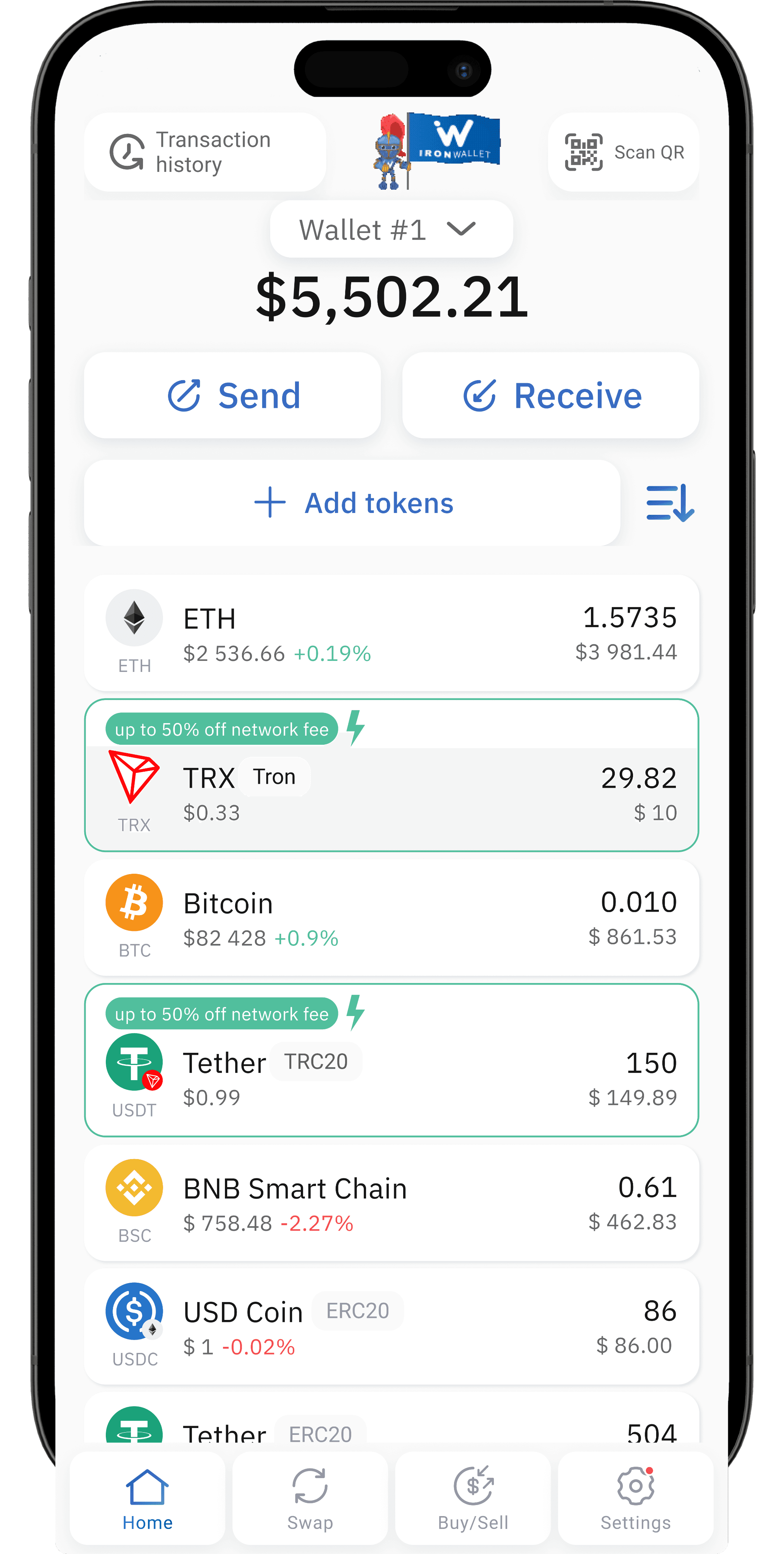
IronWallet is a free, non-custodial Tron wallet for iOS and Android. Store, send, receive, swap and buy TRX, USDT TRC20 and other TRC-20 tokens in one app. Your private keys stay on your phone, and you never need to share an email, phone number or ID.


 USDT · TRC-201,250.00
A Tron wallet is a crypto wallet that holds and transfers assets on the TRON blockchain: the native coin TRX and tokens built on the TRC-20 standard. It manages your Tron address, signs transactions with your private key and handles the network resources each transaction needs.
TRC-20 is the token standard of TRON, similar to ERC-20 on Ethereum. The best-known TRC-20 token is USDT. Tron is one of the most widely used networks for USDT transfers, which is why many people look for a Tron wallet in the first place.
Your balance lives on-chain. The wallet holds the key that proves it is yours.

 TJ5n7q…kY2w
Keys and seed phrase are stored only on your phone. No one but you can move your TRX and TRC-20 tokens.
0 TRX
Pay the network fee in the token you send. Move USDT TRC20 without buying TRX first.
24/7
Real people answer around the clock. Support never asks for your seed phrase.
Swap via integrated DEXs or buy TRX with a card, Apple Pay or Google Pay — straight to your address.
10,000+
TRC-20 tokens next to BTC, ETH, SOL and BNB — one seed phrase, one interface.

No registration, ID or phone number. Open the app, create a wallet and go.
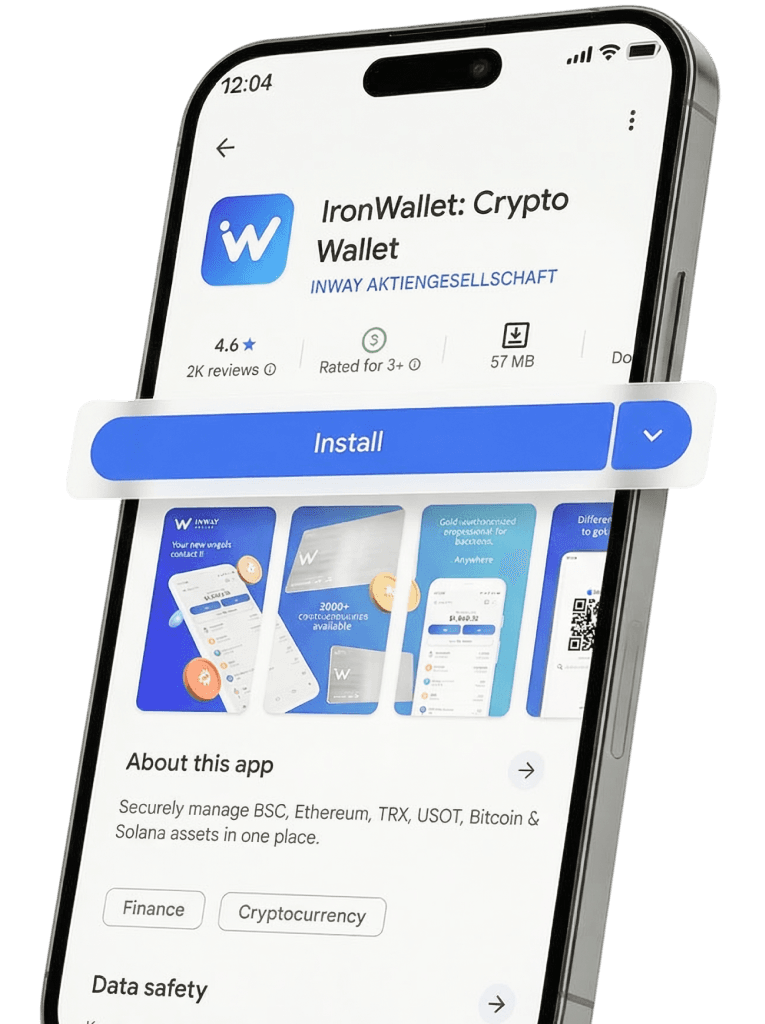
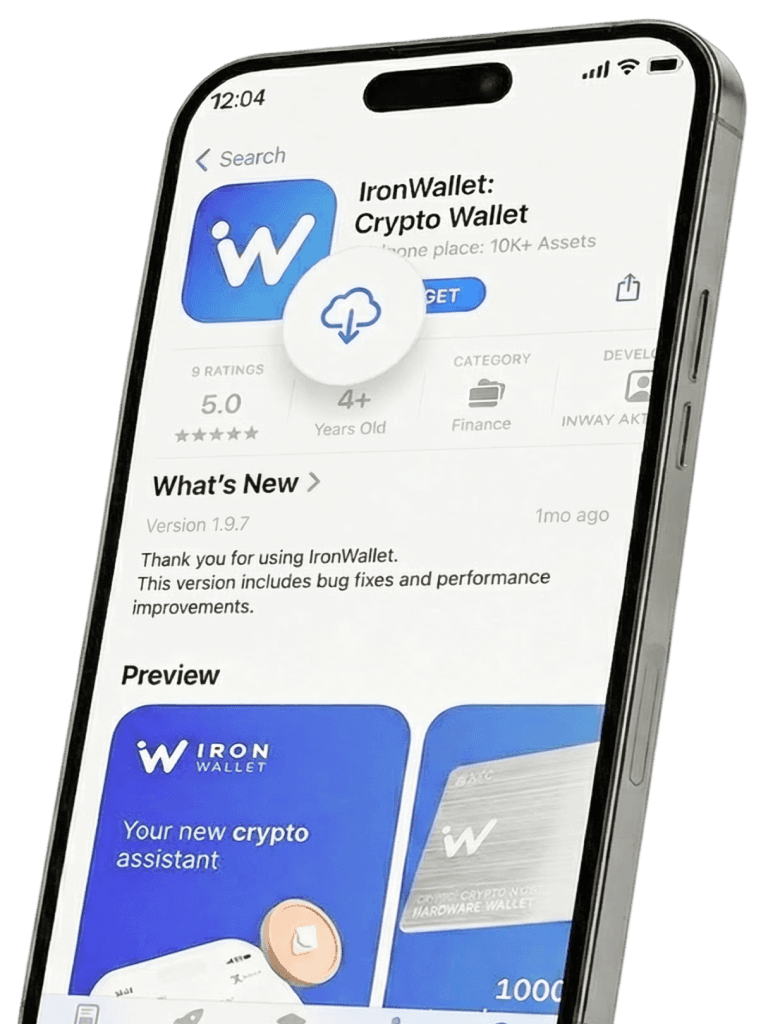
Download IronWallet from the App Store or Google Play.
Tap "Create new wallet". No sign-up form, email or ID.
Set a PIN and enable Face ID, Touch ID or fingerprint to protect the app.
Back up your 12-word seed phrase. Write it down in the exact order shown, and save a copy to Google Drive or iCloud from the app.
Confirm the phrase when prompted, to make sure your backup is correct.
Open Tron (TRX) in your asset list. Your Tron wallet address, starting with T, is ready.
Self-custody means only you control your crypto

Generated and stored locally, never on IronWallet server

Nothing links your identity to your wallet

The only way to restore your wallet. IronWallet cannot recover or reset it
 Your phone
 Google Drive / iCloud
 2FA protected
Swap TRX, USDT and other tokens in a few taps through integrated DEX protocols, with no exchange account.

Buy TRX with a card, Apple Pay or Google Pay, delivered to your own address.

Connect to dApps through WalletConnect, while your keys stay in the app.

Manage every network in one place: TRC-20 tokens next to Bitcoin, Ethereum, Solana, BNB Chain and more.
Swaps and purchases are executed by third-party providers, and rates depend on market conditions.
More answers are in the IronWallet FAQ.
The best Tron wallet is one where you hold the private keys, can send TRC-20 tokens without fee headaches, and can see clearly which network you are using. IronWallet is a free, non-custodial option for iOS and Android with gasless TRC-20 transfers, built-in swaps and no KYC.
In practice, yes. TRX is the native coin of the TRON network and TRC-20 is the standard for tokens built on it. A Tron wallet holds TRX and TRC-20 tokens, such as USDT, at the same Tron address.
Create a wallet in IronWallet, open Tron (TRX) in your asset list and choose USDT. Your Tron address starts with T and is the same address you use for TRX on this network.
Normally yes, because the network charges for energy and bandwidth, which is paid in TRX. With IronWallet, supported TRC-20 transfers can cover the cost in the token you send, so you do not need to keep a TRX reserve.
Sending USDT is a smart-contract call, which uses energy, while a plain TRX transfer mostly uses free bandwidth. If your account has no energy, the network burns TRX to pay for it, so the USDT transfer costs more.
No. IronWallet is non-custodial, so your keys and seed phrase are stored only on your device. The seed phrase is the only way to restore your wallet, and IronWallet cannot recover or reset it.
Store, send, swap and buy TRX and TRC-20 tokens with full control of your keys. No KYC, no sign-up, and 24/7 support when you need it.

Scan this QR code to get the wallet


Tron does not charge gas the way Ethereum does. Instead, each transaction uses two network resources. Bandwidth covers the size of a transaction, and every account gets a small free amount each day, enough for simple TRX transfers. Energy covers smart-contract work, such as sending USDT or any other TRC-20 token.
If your account does not have enough energy, the network burns TRX to pay for it. That is why a USDT TRC20 transfer can cost noticeably more than a plain TRX transfer, and why a USDT transfer fails when the wallet holds no TRX at all. IronWallet handles this for you: with gasless transfers on supported TRC-20 tokens, the cost is covered in the token you send, so you do not need to keep a TRX reserve or manage energy yourself.
Fees depend on network conditions, and IronWallet does not set them. To estimate a fee before you send, use the IronWallet fee calculator. You can check any Tron transaction or address on TronScanner.
Tron wallets come in several types. The right one depends on how you use crypto. Exchange wallets are convenient, but the exchange controls your funds and can limit withdrawals. Tron-only wallets are built around the Tron ecosystem but leave your other assets elsewhere. Hardware wallets give strong offline protection at the cost of a device and extra steps. IronWallet aims for the middle ground: full self-custody, multi-chain support and mobile convenience.